Sunday, November 11, 2012

Floaty-ness in SL

A Mainland Girl is what I am and that won't be changing soon, I bet. It's the diversity and the asynchronous clashes of creativity with supposed normality. You can find private estates with a medieval castle in one corner and a giant mech robot straight out of magna on the opposite side but this is rare. Most of these regions are homogenous of theme and intent, often tropical or otherwise natural paradises and just as often fantasy environments but all resonating with harmony.

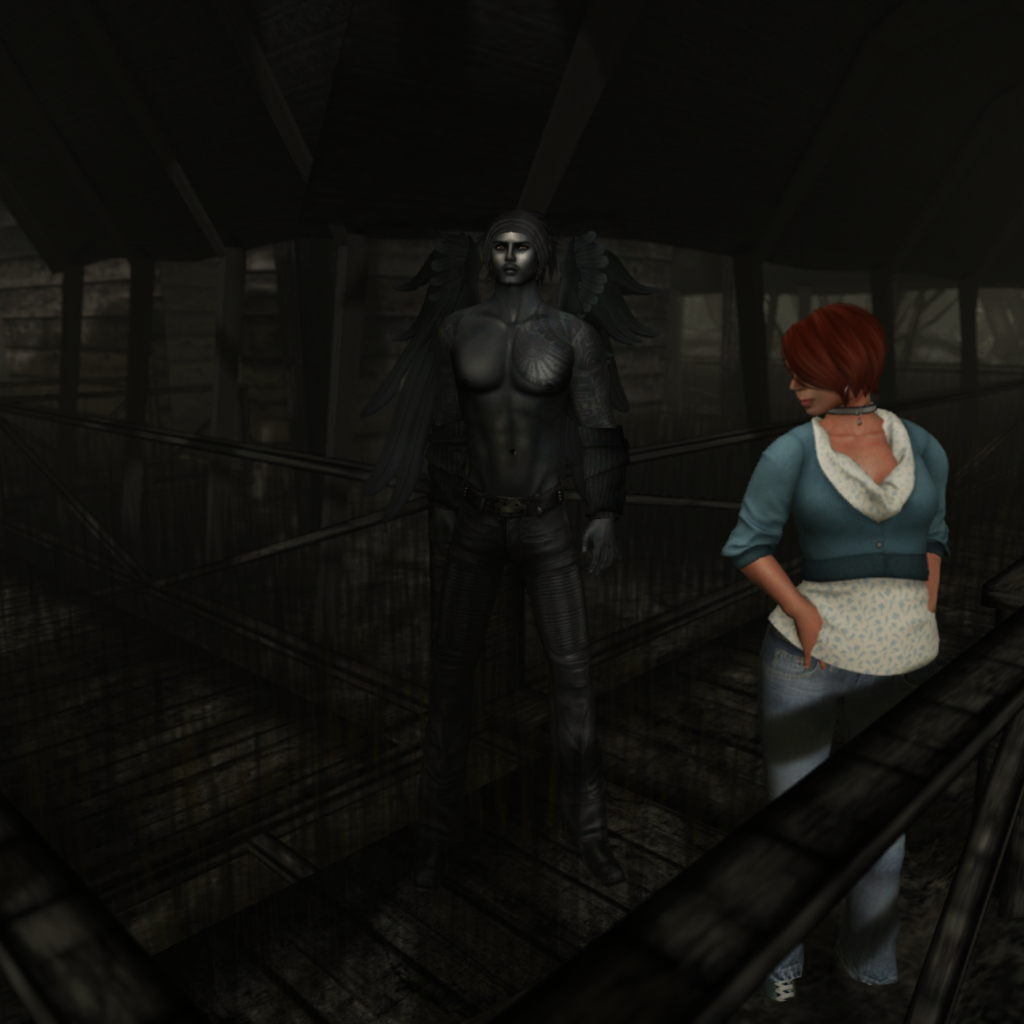
Mainland is birth, entropy, and rebirth all roiling in chaos. I really do love it. I love living behind a gas station and being able to see a crashed retro-future rocketship a short walk away from the house. This doesn't mean that I understand it all or enjoy every aspect. A completely full-bright shopping mall and hotel? Giant flaming teddy bears? Well, to each their own and there's plenty of land that one can move to if they don't like their neighbors. But I get really confused as to why folks sometimes build the way they do. Take this floaty house in Davenport (SLurl), for example.


Frankly, the giant Metropolis robot sitting in a Buddah pose near by makes far more sense than does just plopping down a platform in mid-air a meter above the nearest ground then building a house rather than working with the land form you have. Yes, I  understand that many on mainland may not terraform or can't do so to the extent they wish, but at this point it just might be a better choice to simply move the whole shebang up a thousand or so meters and have a sky box.

Choice. That's what it comes down to in the end. Mainland is about choice. It is your land and as long as you follow the Community Standards (Web) and the Terms of Service (Web), you can do as you please. So you'll see lovely builds not possible in Real Life, meticulous re-creations of Real Life, and things that don't make any sense at all. Like this bit of floaty-ness.

# # #

On a related note, please visit Honor McMillan's blog and read today's post "Avatars and Avatar Police in Second Life." She explores this same choice theme but with avatars.

Saturday, November 10, 2012

The Garden Game [UPDATE]

Much to my surprise I was given an invite to do something as a Second Life blogger. Fashion designers almost never send samples and major events tend to ignore me yet a folder with information for The Garden Game (SLurl) popped up so I had to look inside to see if it was a mistake.


Whether it was or not, I don't know, but I was given a chance to preview one of the most lush gardens in all Second Life and it actually is a HUD-based exploration and puzzle-sovling game.
The Garden Game is a clue-based puzzle that incorporates gathering, exploration, and logic. Your goal is to seek the seven Guardians and their Artifacts to collect clues and solve the current puzzle round by discovering which Guardian committed which Sin and what Penance they suffered for their actions.
Admittedly, experienced builders and explorers-in-the-know will recognize almost all of the elements used in landscaping as being from familiar sources, but the vision behind the design and the skill in the layout make the region seem to be endless. I flew up to get a bird's-eye view and looked at a map in the press kit and couldn't believe what I just walked through was just one region. Truly gorgeous.


And it really is a game. You can try a demo HUD at the entrance and then pay L$299 for the full HUD should you get hooked. This is a genius move as too many games make you commit before even exploring. There is no set lore to the game but it is instead loosely held together with a simple story.
The Garden is a mysterious respite full of whispers and secrets. Within its boundaries stand seven lost spirits, once charged with protecting and tending The Garden itself. Each of these fallen spirits committed a sin of betrayal against that they were bound to serve and each was sentenced to a penance for their transgression.  By discovering their fates, you can help lead the spirit Guardians toward peace and Forgiveness.
Speaking to a scarecrow (okay, clicking it) yielded a clue I could use to click various elements in the HUD to track my progress. It reminded me of the board game Clue (Web).
The Watcher:: My sin was not Pride or Wrath and my penance was not Pain of the Flesh. I know that the guardian whose sin was Lust suffered Weight of the World.
Not being much of a gamer I found myself concentrating on the landscape during this first trip but I was intrigued enough to want to visit again and soon, especially with my wife for the game can be solo or multi-player, either in partnership or in opposition. While I was confused at first, game play became much clearer once I watched the video tutorial (YouTube).


I can see myself getting lost in this landscape quite often and it may run the risk being run-over by non-players during the preview weekend. Afterward I suspect it will be open only to players, but I can't confirm that. Of course, the game can be played over and over as there are limitless variations. Once you gather clues, figure out which spirit committed which sin and which penance is required of them, you can offer forgiveness to only one. To help the other spirits you must play again. The clues and various artifacts to same will require new searches and new applications of logic.


The Garden Game's creator team consists of Grace McDunnogh, Trav Rexen, and Salome Strangelove. Whichever one is responsible for the haunting melody that occasionally pops up should be congratulated. Not many games use sound at all so this was a joyful surprise.


I had one problem, however. When I hid the HUD so I could better enjoy the views the button to again reveal the HUD was invisible and off-screen. I had to edit another HUD and zoom to see the game HUD and then bring it back. This happend with the demo unit and one given to me in the press kit so I don't know if the full piece have the same issue or not.

Now go visit or check out some tips for game play.

  • Upon entering the region you'll be offered a demo HUD and a note card that is will worth reading. It has a picture of artifacts important to game play if you miss the "physical" examples in the playing area.
  • Pay attention to the clues each spirt give you. They not only give information about themselves but they dish on the sins of the other spirits. Clearly a very dysfunctional family in this garden.
  • Don't click on anything unless you are within 10 meters of it as you may not "hear" the information the item imparts in main chat.
  • Your mouse pointer will turn into a hand for any item that is clickable, but not all items are worth clicking on. I can think of some candles that I found that proved to be very obstinate so I left them alone.
  • The female forest spirt appears to be wise but may not be of any help at all.
  • Keep an eye open for the randomly appearing artifacts.

The biggest tip is Relax! It's for fun even if you don't compete for scores, bragging rights, and whatever wagers you can make. It's a frickin' garden so enjoy it!!


UPDATE
I completed a game and it turns out that the whole thing is not a complicated as it initially seemed to be, but as I mentioned, I'm not a gamer. I play solitaire on my iPad and desktop (Web).

The Naiad is easy to not find so be sure to poke in the bushes.

Take advantage of the tally function of the HUD. Once you know the two important bits about each spirit, "x" out the unimportant ones. That will make it easier to see what you don't know.

Visit each spirit a few times, but you can't just keep clicking on them. Once they talk to you go find another and work your way around.

Additional resources:

The Garden Game Website
Honour McMillan's blog post about her visit

Note: All pictures taken with Lighting and Shadows enabled with region Windlight defaults.

Thursday, November 8, 2012

MyWeek on MySL

If you haven't been following my past week on MySL then you've missed a fairly busy time. Here's a sampler from the snapshots section:


In my travels I re-found some places I had forgotten about, like the Bay of Space Pigs (SLurl) and picked up some freebies like this snapshot HUD. The Moles of the LDPW often display a wickedly sharp sense of humor in their builds making each visit a treat.


After The Lab finished rolling out Havok updates to all the regions it was safe to use mesh vehicles at sim border crossings again so I leaped in the Black Chicken and flew around the Coastal Waterway (Web) until I hit a ban line which disintigrated my chopper and dropped me in the water. Thank goodness this kitty can swim and has a day-glo flight suit for the Search And Rescue teams to spot.


On Election Day in the USA I visited an unofficial Obama 2012 campaign headquarters and took several snaps with owl buddy Daniel Voyager. Can't see it in this picture, but I'm wearing my Flufee for President hoodie. Later, Daniel searched for a Romney HQ but couldn't find anything. It's not like four years ago when lots of politicians had a presence in Second Life, official or otherwise.


The day before the US elections I ran amuck in some UK sims to celebrate Guy Fawkes Day (Web) and took a few snaps. There didn't seem to be much of a party for the remembrance anywhere and I actually met folks who thought I was just an Occupier (Web). My, how folks forget their traditions.


Despite Halloween having passed, I hit up Grendel's Children (Web) to search for pumpkins with avatar prizes inside. One of my favorites of the couple dozen I got is a pair of giant spiders. Amazingly textured, artfully sculpted, and brilliantly scripted, these critters can actually build webs and use them! Here I'm setting up house on the sign at one of Robin Sojourner's shops (SLurl) in Bay City.


A couple times during the week I attended the burning of the little Man at Burning Man's Inner Child Camp. Marianne McCann (far right) streamed some great tunes while a big crowd of people danced, watched the Man burn, and generally had a great time. Of course, Mari set off fireworks. The girl likes fire.


The week saw a couple visits to the Mad Pea Carneval (WebSLurl), a fantastic build that must be experienced. There are so many talented artists that use Second Life as a medium that it's hard to understand why the platform, at least by general consensus, seems to be floundering.


On my first visit to Mad Pea I picked up a stalker, one Tem Haalan, who has a fabulous avatar that fits the Carneval so beautifully. Tem inspired me to spend several hundred L$ on new boots, leather pants, and other sundries to make a similar avatar which in the end I (A) forgot to photograph and (B) realized was nearly a clone of my Zyx Resident alt character. DOH!

So that's a sample of my week in MySL. How was yours? What? You don't use it? Shame on you! A premium account is not needed, its fun, and you can meet new people like Tem (he watched my MySL feed before we met, hence the stalkerness).

Sunday, November 4, 2012

Defaults


Did you notice that the default Second Life window size is a mere 1000 pixels by 700 pixels? On my 2560 x 1440 default screen size, that puts the "eeny" in Teeny. I often run with the window maximized but if I jump down to 1920 x 1080 I can easily watch a movie or other video in a small window to the side. Its a shame the windows and panels inside the viewer are a nuisance to resize.

Second Life has other limits, too, and you can find them on the Limits Wiki here. I often refer to the Textures section for projects. Take some of these with a grain of salt, though. I have a couple friends that send along in-world snaps that are nominally 512 x 512, a 1:1 ratio, but display better as a 4:3 ratio. Strange, I know, but this is Second Life. Also, images formatted for Profile pictures have different aspect ratio requirements depending on the Viewer that you use. Experiment, experiment, experiment.

The Lab also puts limits on what it stuffs into the Library folder of your default Inventory. In June 2010 it was some 1,248 items. By measuring a count before and after hiding that folder, I was able to determine that number is now 2,210 items (I added this info to the Wiki today).

58,119  My current Inventory*
  2,210  Stuff in the default Library folder
55,909  My adjusted Inventory (54,561 items after emptying the Trash)

* Backup copies of current Inventory and saved items are in boxes in my Objects (Storage) folder plus I have Alts with specific Inventories, such as my gardner pixy that holds a good number of my landscaping items so the real number is much higher.

If you don't have enough stuff in your Inventory, drop by The Bazaar and grab stuff, like this box of stuff The Lab purged from the basic Library folder as being "old" (SLurl).

Friday, November 2, 2012

Inventory Changes

After taking down my haunted house for this year I started to use the land to do a bit of Inventory organization. About 5 more days remain on the rent and I can't think of anything else to do with it. That and I'm feeling a bit guilty as today I saw the perfect Inventories of a couple alts. I don't let them keep un-opened purchases or un-sorted acquisitions sit about and everything that can be stored is boxed (if needed) and put into Inventory boxes (which have a hover text contents counter and prim identifiers) in an Objects (Storage) folder. One of them has an Objects (Sort) folder, as I do, because she has quite a few things still to look through after the de-build of the Isle of Lesbos. This makes it easier to find things that spontaneously pop into your mandatory Objects folder.

But with two new purchases from ColdLogic and the surprise find of three outfits I received from Lucky Chairs, I thought it might be time to change up my strategy. Prior to today I've had folders like Group: Footwear (with BOOTS and SNEAKERS and such inside) and Separates: Jeans (with folders for each brand, set, or style) and folders for **New Stuff (unpacked but never worn) and **Newly Made (stuff I've created), and more.

Click for a larger image.
I also had a Theme: ColdLogic folder for just clothes from that shop, but upon adding the 17th and 18th items it occurred to me I should rename the folder to BRAND: ColdLogic. Well over a year ago I started a Theme: WWI Clothes folder for the couple dozen pieces I have from World Wide Industries and that one has also been changed to "brand"-style. Thinking about other brands, however, I may just stop with these two for now. Like Bare Rose (B@R), with outfits and items scattered in at least a half-dozen other folders like Theme: Halloween or Group: Costumes. One or two WWI items are outside the main folder because they aren't homogenous with the general WWI style. Likewise, the ColdLogic clothes are similarly styled. Few of the B@R clothes fit into just one or two categories.

My next challenge for my clothing Inventory is to simply decimate everything. Outfits and items will be boxed and stored if they are No Transfer, boxed and set out for free or sale somewhere if they are transferable, or simply deleted.

And I might take a few moments to re-think my strategy for Saved Outfits. As you can see above left, I have a bit of strategy there, too. Categories for Tiny, Furry, Costume, Fantasy, Implants, Retro, and such have been started but its clear there is a bit of mishmash, too. I find myself relying too much on Saved Outfits, though, and have to discipline myself to not use it for everything that strikes my fancy, leaving it for just outfits with components from all over my Inventory or being laborious to re-create.

What are your Inventory organizing tips? Feel free to leave them in the Comments.